Take what follows with a grain of salt, since I'm not a computer pro at all. This is just stuff that has helped me make some decisions (or more accurately, guesses). I do err on the side of caution, so I've changed a few things on my computer over the past few years, and I get next to no spam, and I've only had to bring my computer in to the shop for virus removal once in the past 10 or 15 years.
Here's my computer setup (computer only; I'm afraid to touch any settings on my iPhone, but I mostly use it just for ...... phoning! (Also for texting.....aren't I a real modern old fart?):
Internet security: I only use Windows Security, as recommended by my genius computer guru as all that is needed. Oh, and I still have AdAware virus protection (free version), but I can't remember when I last used it.
Browser: Firefox
Search: Google
OS: Windows
Email: Gmail
Plus: Proton email, just to sign up with Facebook......which makes me puke to even join, due to the fact that they exist solely to extract people's personal info, which they sell. But I joined as the only way to connect with an old pal, who lives quite far away, and who uses only Facebook and telephone to connect with people.
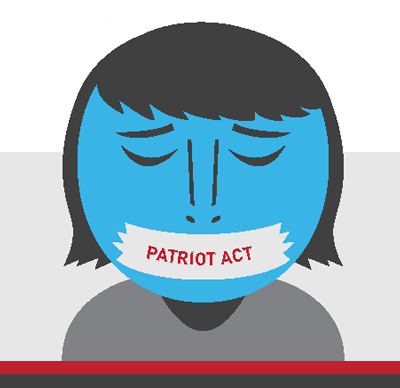
I chose Proton (based in Switzerland) after reading articles which explain how other countries have much stricter privacy laws than USA, Canada, and other "Five Eyes" countries. Remember when the Patriot Act was quickly written, right after Sept.11, 2001? That is one law that the US government uses to read citizens' emails, telephone calls, banking info, etc They can also legally compel other people and companies to give the government info on citizens, plus prevent them from telling customers that they are doing so.
Anyway, here's a few articles that I found useful, although I understand very little of all the computer jargon:
Hastily passed 45 days after 9/11 in the name of national security, the Patriot Act was the first of many changes to surveillance laws that made it easier for the government to spy on ordinary Americans by expanding the authority to monitor phone and email communications, collect bank and credit...

www.aclu.org
The terms "Five Eyes", "Nine Eyes", and "14 Eyes" are important to understand. This guide shows you what to avoid to stay safe online.

restoreprivacy.com
Discover the best Gmail alternatives for privacy. Compare secure email providers, features, and pricing to find your perfect inbox.
restoreprivacy.com