NFR Keeping Your Online Accounts and Passwords Straight and Safe

Non-fishing related

Mark Yoshida

Deep Line & Vertical
Forum Supporter
Definitely NFR
Planning for the future so others can find legal and medical info after I am gone.
How do you keep your accounts and passwords straight?
I am finding as I get older I have to track more online accounts, not only mine but my mothers for her medical and legal documentation.
Now they offer passwords that are random and multiple characters and numbers….. and don’t recommend using the same one for different sites.
Do you use a cheat sheet, stored on your computer/phone, iCloud?
Is the cloud safe? I have had my phone or electronic crap out. If it’s backed up somewhere it still needs to be accessible and safe.
Thanks
Mark
 
Look into one of the password management applications like LastPass. It has a cloud storage solution with multi-factor authentication and plug ins to your browser. It also will help to make sure you aren't duplicating passwords. I especially appreciated this when my father passed away last year as he was using a similar app and we were able to get into all of his stuff. Hope that helps.
 
We have a safe, they're on paper inside it.
Probably not the easiest, but when I forget one, it's not hard to retrieve.
 
We use Norton Password Manager.

Here is an article about cracking passwords, and how easy it is to determine low strength passwords.

 
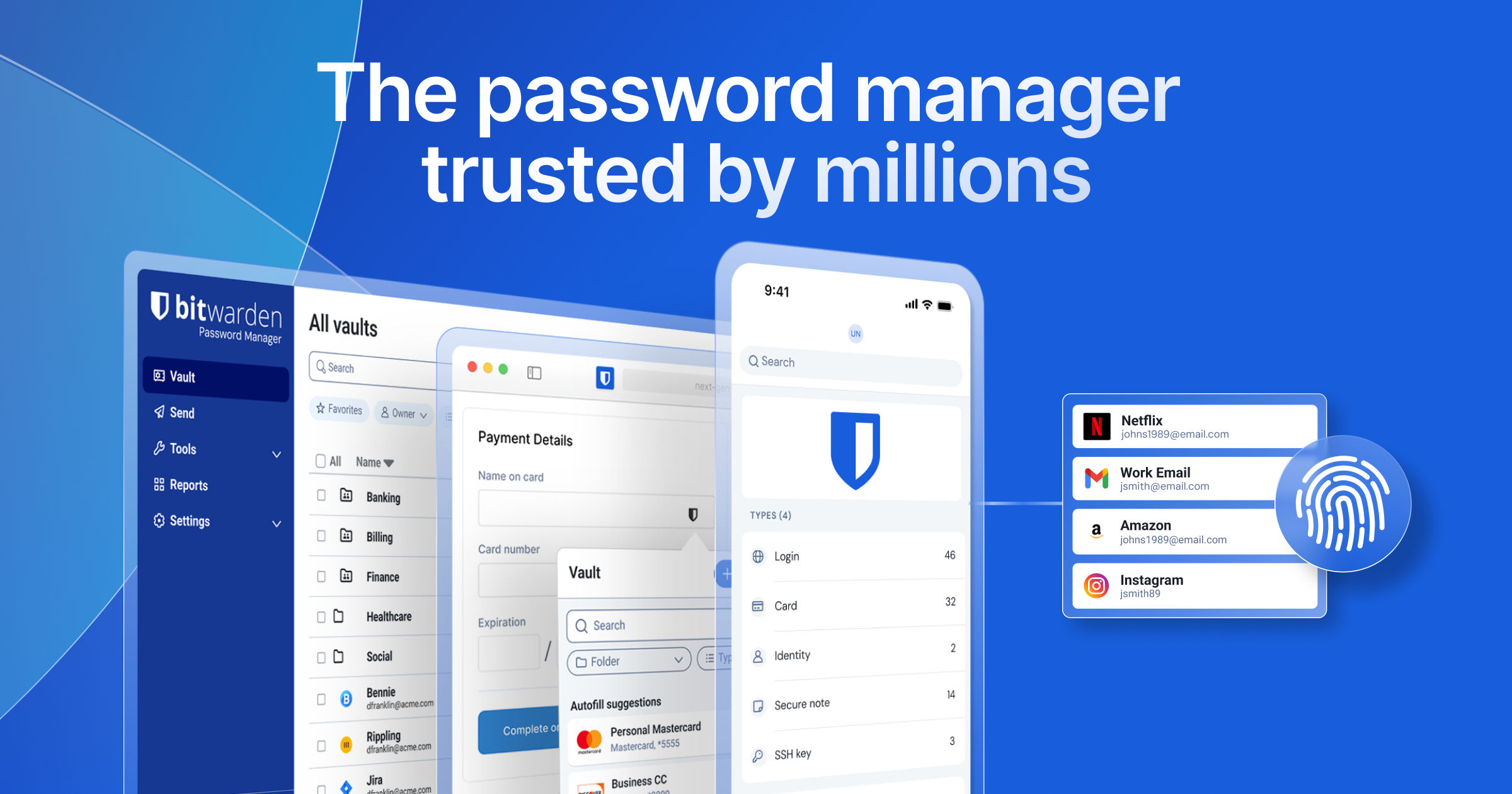
For anything very sensitive or important, I only trust a fully encrypted system like Bitwarden or Keepass.


You have a few levels of security on these types of services, but for the most part, they're all good. LastPass is good for day-to-day use and logins like this forum. They have had data breeches before, though. So I won't put anything sensitive on there.

Norton - I'll step in and say I don't trust anything from Norton on anything ever. I don't know their password program specifically, but their "anti-virus" software is basically a virus itself, and will never sniff a computer I use.
 
Almost anything that's connected to the internet can be hacked...
If you really want it safe, keep it off the internet.

YMMV
 
Almost anything that's connected to the internet can be hacked...
If you really want it safe, keep it off the internet.

YMMV
Hacked isn't the word I'd use. If you are using a fully encrypted system, the only real weak point is your master password and your habits with your computer health. If you are someone who downloads things from anywhere and everywhere, you run the risk if your keyed inputs being logged. The risk is very low and unlikely, but it exists.
 
We have a safe, they're on paper inside it.
Probably not the easiest, but when I forget one, it's not hard to retrieve.
Just remember to use strong passwords. Weak passwords can be cracked regardless of them only being in your physical safe.
 
I've heard some of the strongest passwords are 3 random unconnected words coupled with numbers or signs.

Like:

23Applecolitis×beekeeper1

Is that correct ?
 
I've heard some of the strongest passwords are 3 random unconnected words coupled with numbers or signs.

Like:

23Applecolitis×beekeeper1

Is that correct ?
That's a formula I use on my day to day passwords. I'll go to long randomized generated strings of characters for anything truly important.
 
That's a formula I use on my day to day passwords. I'll go to long randomized generated strings of characters for anything truly important.
Got it
Thanks
 
Thanks all.
Dealing with mom (97) and her stuff while finding paperwork on LTC insurance, retirement, POA, and assisted living. Then creating all the accounts online with these companies is a PITA, but necessary to communicate with them more efficiently.
Then you get a letter from one that says they had a data breach last year.
Whining done. Sorry.
 
I let Google suggest and remember strong passwords for me. If my Google account is inactive for a period of weeks my designee automatically gets access to my Google account and all the passwords stored there.

Anything remember the short story "The Day Google Turned Evil?"
 
I have the free version of Bitwarden and it works fine on the phone plus it's easy to install as an extension on your browser. Takes a small amount of time to figure it out and a bit more time to reset your existing passwords but once you have it set up it's pretty awesome. It's well worth the time IMO.
 
For one more Bitwarden endoresement: All PNW Fly Fishing passwords, credit cards, and logins for every aspect of the site/business are stored on Bitwarden.

No, you won't crack the code to get in to it ;)
 
For one more Bitwarden endoresement: All PNW Fly Fishing passwords, credit cards, and logins for every aspect of the site/business are stored on Bitwarden.

No, you won't crack the code to get in to it ;)

He’s right everyone. I just tried 69PriapismXfudgedragoN!. Didn’t work.
 
Back
Top